

- Mediavine
Where Unfilled Inventory Creates Real Impact
4 min read
•
•
At Mediavine, high-quality demand and a better user experience are non-negotiable. We hold your ad space to a higher standard, only serving ads that meet our quality requirements. That protects your CPMs, your readers’ experience, and your standing with the advertisers who pay the most for premium inventory.
When no ad meets that standard, Shine PSAs automatically put that space to work for you, filling unfilled impressions with nonprofit campaigns that cost you nothing while making every impression on your site count.
What Are Shine PSAs?
Shine PSAs automatically fill unsold ad slots with campaigns from nonprofit partners. Instead of serving a low-quality fallback ad or leaving space empty, campaigns from Shine PSA partners align your site with causes making a real-world impact.
This Month: World Central Kitchen
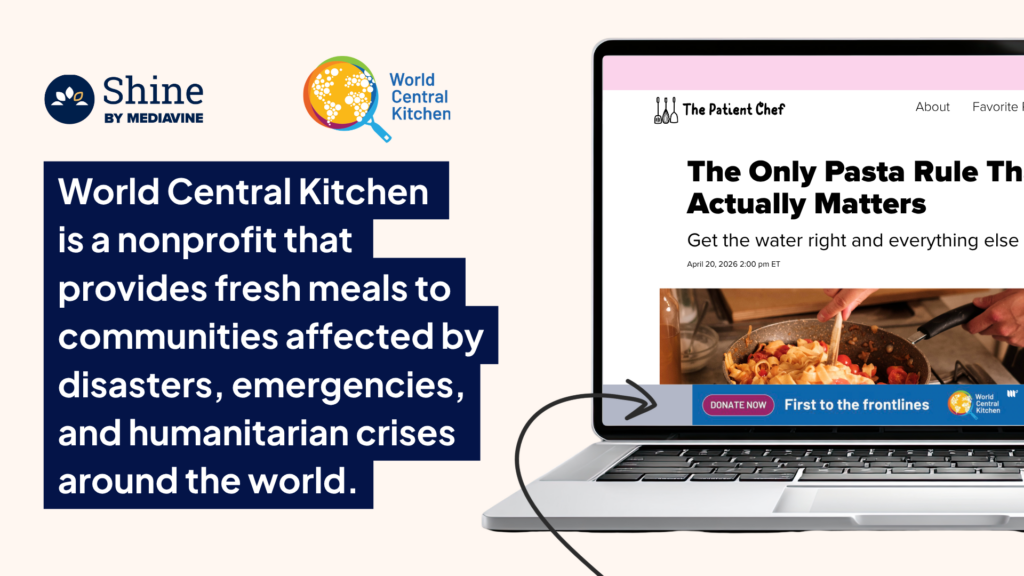
This month, we’re highlighting our partner, World Central Kitchen, a nonprofit that provides fresh meals to communities affected by disasters, emergencies, and humanitarian crises around the world.
From hurricane recovery efforts to emergency response in conflict zones, World Central Kitchen is known for mobilizing quickly and partnering with local communities to provide immediate support where it’s needed most. Their mission is simple: provide fresh meals to people in moments of urgent need.
Why Publishers Are Choosing Shine PSAs
Your unsold inventory still serves a purpose. Unfilled inventory is inevitable in programmatic advertising. Shine PSAs ensure those moments generate value instead of going to waste.
You protect your user experience. No low-quality fallback ads. No slowdowns. No engagement risk. Shine PSAs are brand-safe by design.
You align your brand with impactful causes. Your site reflects the brands and messages that appear on it. Publishers who enable Shine PSAs align their inventory with organizations driving real-world impact, reinforcing credibility and trust with every impression.
Setup takes less than a minute. Just opt in once and Mediavine handles the rest.
How to Turn On Shine PSAs
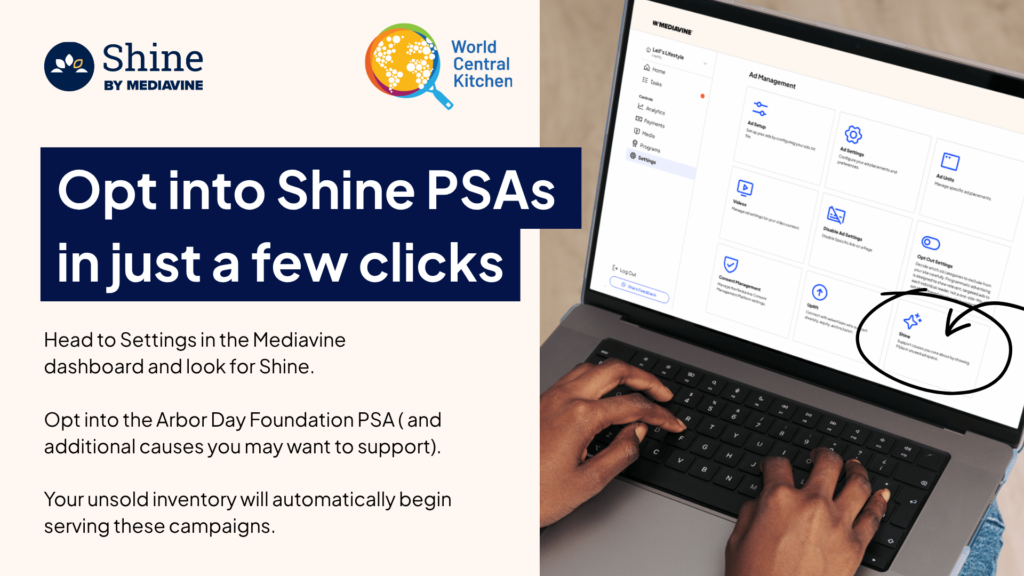
- Go to Settings in your Mediavine Dashboard
- Open the Shine section
- Enable World Central Kitchen or any additional nonprofit partners you’d like to support
Every impression on your site has a job to do. Shine PSAs make sure none of them go to waste.
👉 Discover more about World Central Kitchen
👉 Interested in other nonprofit partners? Read more about our partnership with the Arbor Day Foundation.
About the author

Share this page

The Mediavine Difference
You build content that defines industries.
We build the monetization that powers it.