

- Mediavine
The RPM Metric That Actually Reflects How You Earn
4 min read
•
•

Your RPM data just got more accurate, and that changes how you optimize.
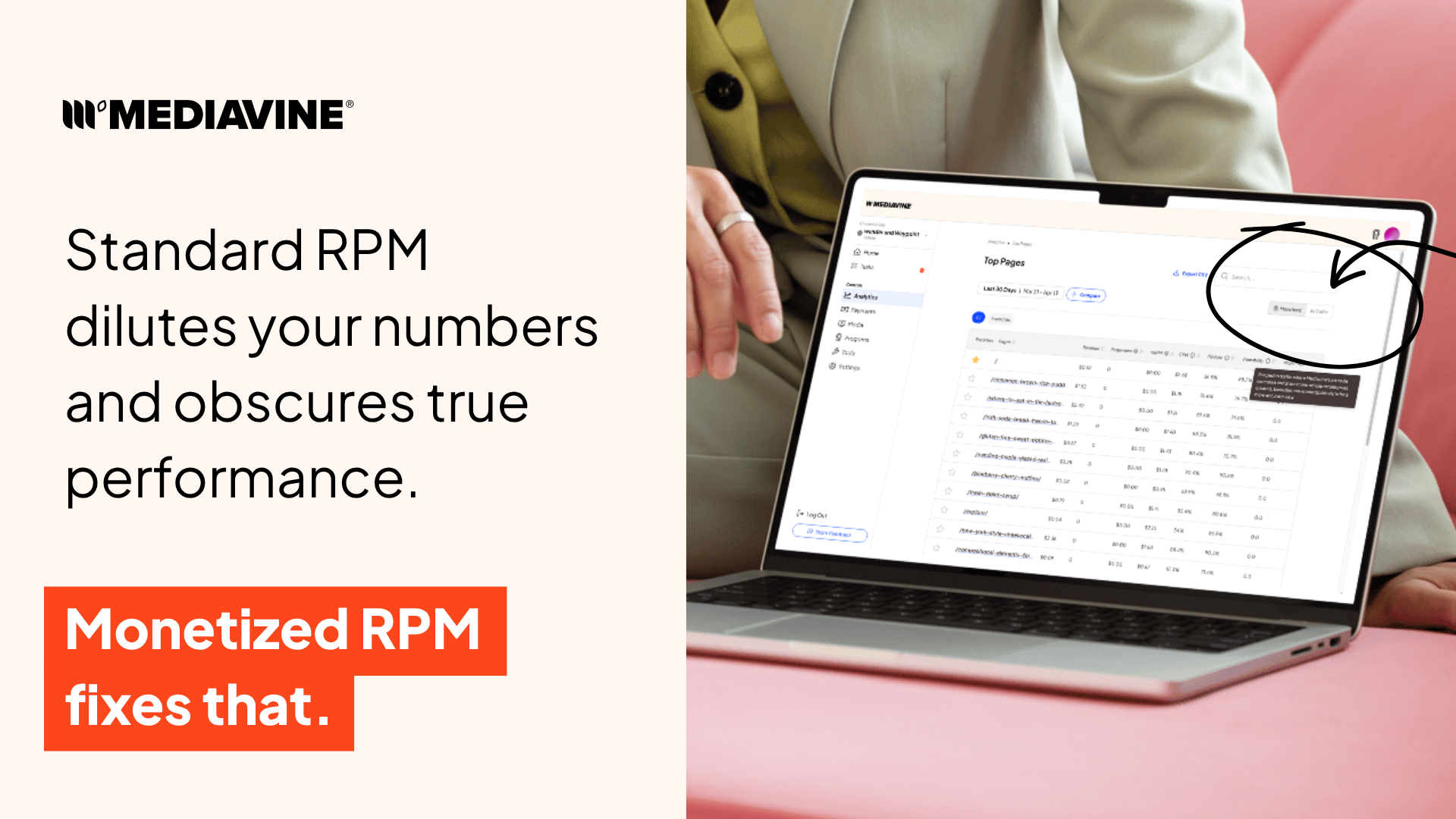
Monetized RPM (mRPM) is now live in your Mediavine dashboard. It’s an improved way to measure revenue that excludes traffic unable to generate earnings, so the result more accurately reflects your site’s performance.
Why Standard RPM Falls Short (And What It Misses About Your Revenue)
RPM stands for revenue per mille, which is just a technical way of saying revenue per thousand sessions. It is one of the most important numbers in your dashboard. The catch is that standard RPM has always counted every session in its calculation, including ones where no ad was ever served.
That includes visits from bots, users with ad blockers, even traffic from regions where advertisers simply do not bid. None of those sessions can generate revenue, but they all count against your RPM, pulling the number down and making your monetization appear lower than reality.
Imagine a coffee shop measuring daily revenue by counting everyone who walks past the window, rather than the customers who order something. The math adds up, but the insight is wrong.
That’s how standard RPM has always worked. It’s an industry-wide limitation, not something unique to Mediavine. But there is now a more accurate way to look at your revenue.
What Monetized RPM Actually Measures
Monetized RPM only includes sessions where at least one ad was actually served. No bots, no ad blockers, and no unmonetizable traffic dragging the number down.
A session counts as monetizable when at least one ad is successfully served during that visit. Everything else gets filtered out, including bot and invalid traffic (yes, AI crawlers count here), visitors using ad blockers, sessions affected by privacy consent restrictions, traffic from regions with low or no advertiser demand, and visits blocked by advertiser content restrictions.
These factors are a normal part of digital publishing and affect every site to some degree.
Why Your RPM May Increase (And Why That’s a Better Reflection of Reality)
When you switch to Monetized Traffic in your dashboard, your RPM may look higher than you are used to seeing. Don’t be alarmed!
The number is not changing because your site is performing differently. It’s changing because you are no longer measuring your revenue against sessions that were never going to earn anything. What you are seeing now is a more honest reflection of what your monetizable traffic is actually worth.
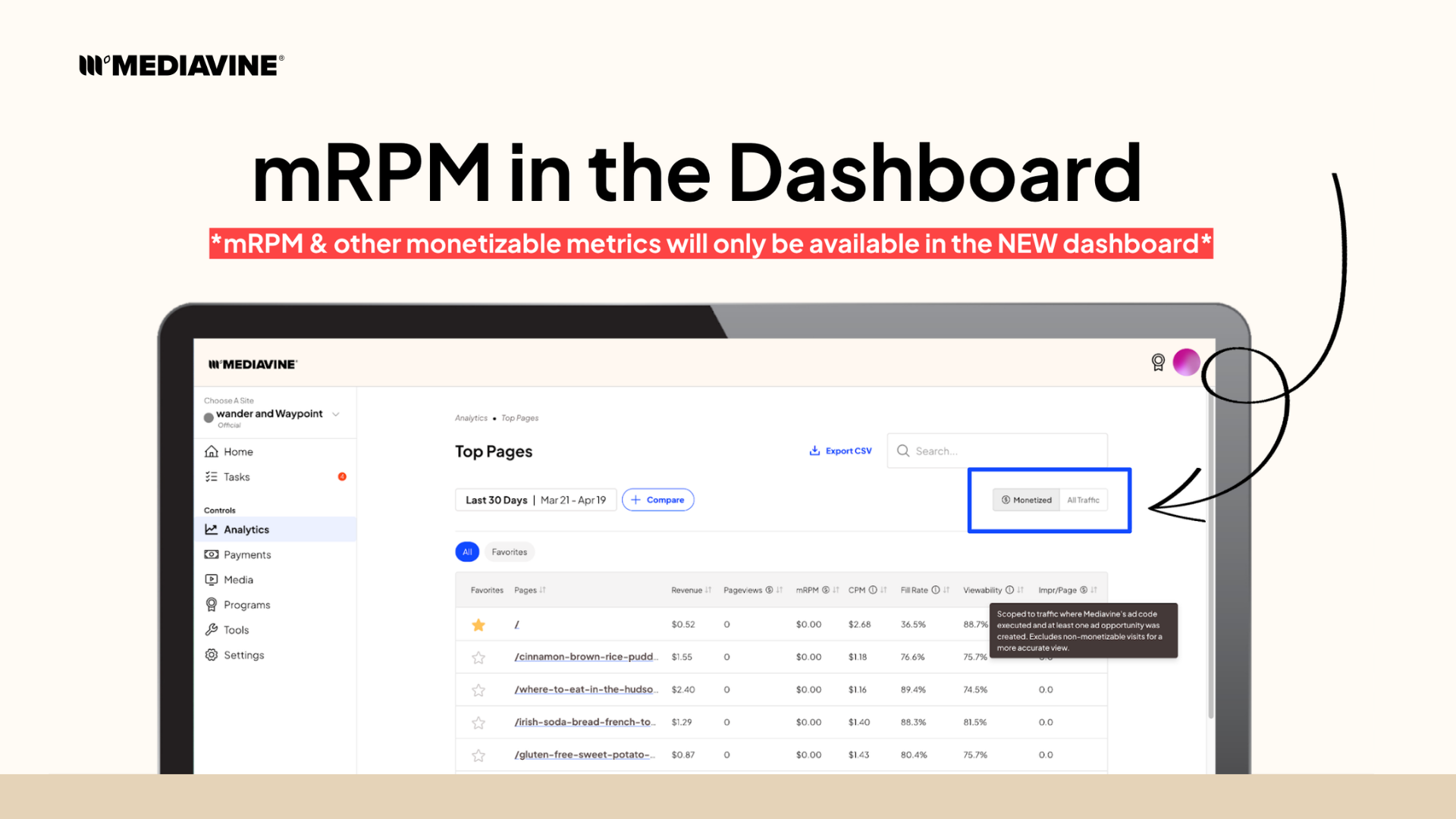
Both views are always available. The Traffic Type toggle in your dashboard lets you switch between Monetized Traffic (mRPM) and All Traffic (traditional RPM). Monetized Traffic is the default, and your data goes back to January 1, 2025.
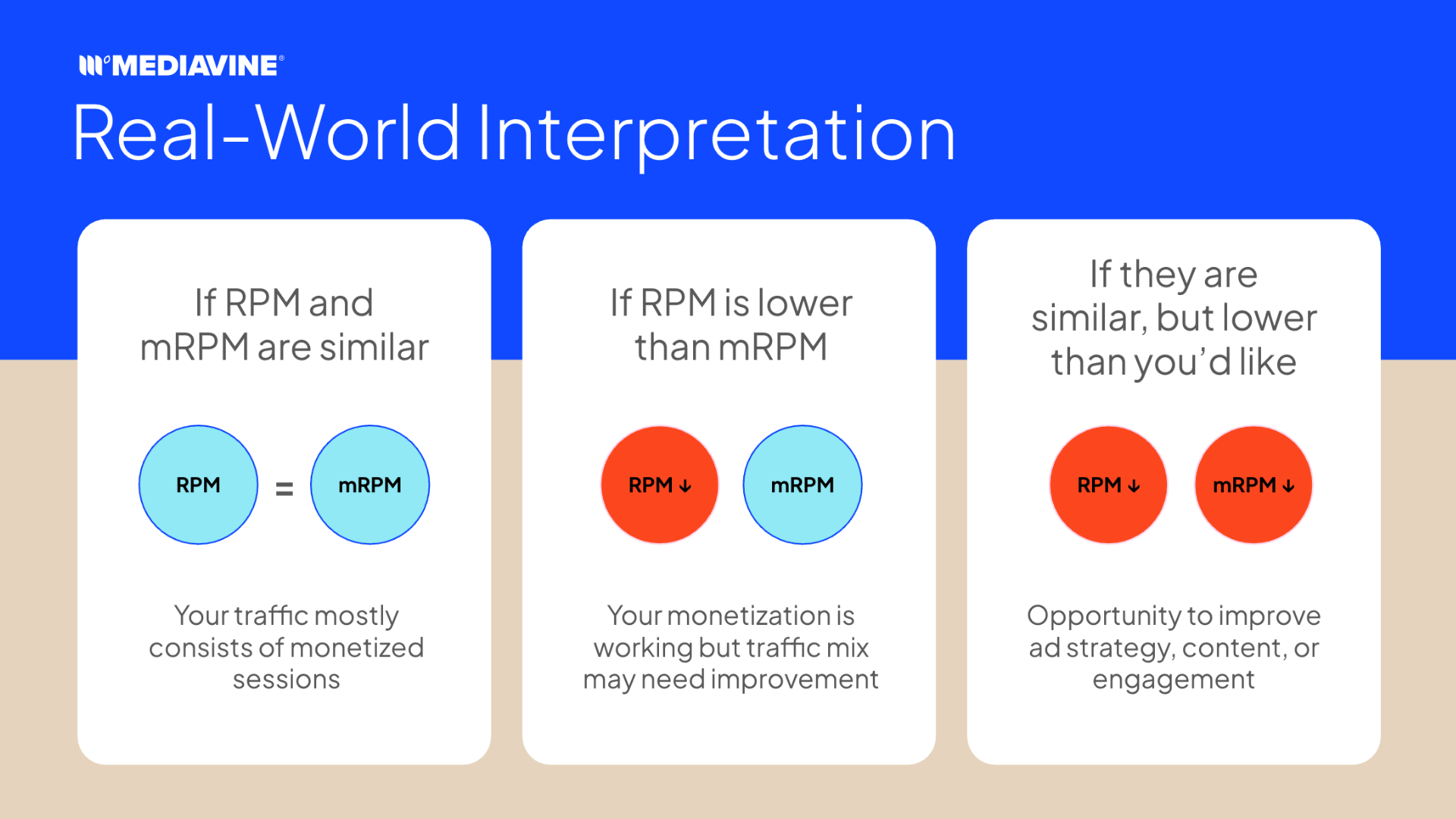
Use the gap between the two numbers as information. If RPM is notably lower than mRPM, your monetization is working well, but a chunk of your traffic is not ad-eligible. If both numbers are lower than you want, that signals you to look at your ad strategy, content performance, or audience engagement rather than raw traffic volume.
How to Put mRPM to Work
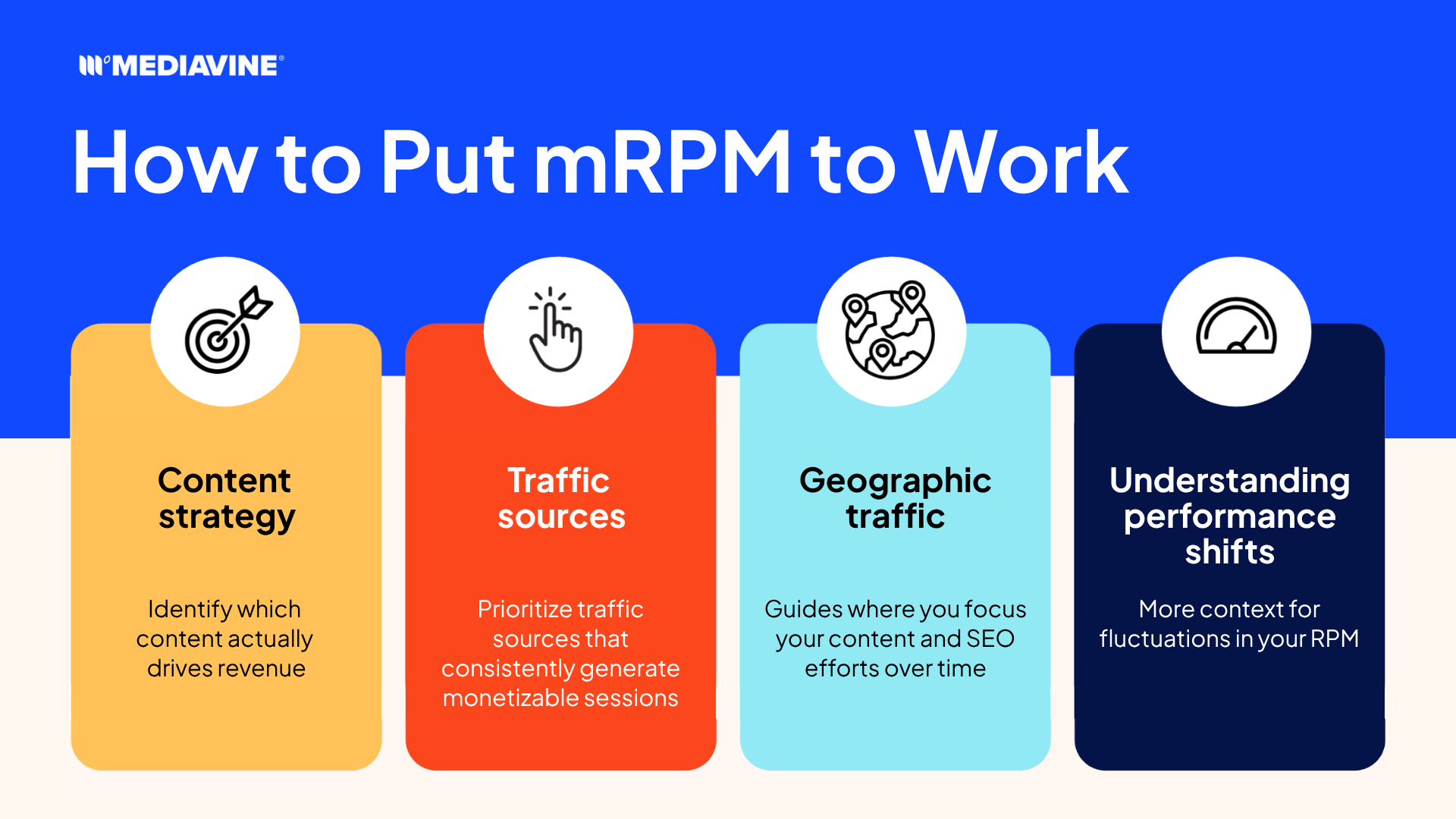
Content strategy
High traffic does not always mean high revenue. mRPM helps you see which pages are actually driving earnings, not just clicks. Double down on pages with strong mRPM and healthy monetizable session volume. Pages with big traffic numbers but low monetizable sessions may be less valuable than they look.
Traffic sources
Some channels bring in a lot of sessions, but very few that are monetizable. Knowing that helps you prioritize the sources that actually contribute to your bottom line.
Geographic traffic
Traffic from regions where advertisers do not bid heavily will lower your monetizable session percentage. That context helps you make smarter decisions about where to focus your content and SEO efforts over time.
Understanding performance shifts
When your RPM changes and you are not sure why, mRPM helps you figure it out. A drop caused by a shift in traffic quality looks different from a drop caused by a monetization issue. With both metrics in view, you can diagnose the right problem.
What Can You Do About Unmonetizable Sessions?
Honestly, not much, and that’s okay.
Most unmonetizable traffic is simply a reality of the internet. Bots, ad blockers, consent restrictions, and low-demand regions affect every publisher and do not indicate that anything is wrong with your site. It’s not something that can or needs to be fixed by an account manager, but rather something to account for when evaluating performance.
AI crawlers are worth thinking about more carefully, though. The instinct is often to block all of them, but that has trade-offs. If major AI platforms cannot access your content, they train on your competitors instead, and those competitors end up being treated as the authority in your niche. A smarter approach is to block the smaller, unknown crawlers that are not sending you any traffic or brand value. For everything else, your hosting provider is your best resource. They can handle bot filtering at the infrastructure level, which is far more effective than trying to manage it manually.
If your traditional RPM drops after switching views and stays lower than expected, that could point to a GA setup issue or a problem with your consent management platform (CMP) setup. That is worth a conversation with your account manager. Unmonetizable session volume on its own is not.
Find It in Your Dashboard Now
Monetized RPM and Monetizable Sessions are all live in the new Mediavine dashboard at publishers.mediavine.com. Monetizable Pageviews is available within Page Reports, where performance breaks down by individual page.
These metrics are only available in the new dashboard, so if you have not made the switch yet, now is a good time.
Monetized Traffic is your default view. Use the Traffic Type toggle to flip between mRPM and traditional RPM whenever you want a comparison. Data goes back to January 1, 2025.
Log in today and see what your revenue picture actually looks like. Your performance has not changed, but your read on it just got a lot sharper.
About the author

Share this page

The Mediavine Difference
You build content that defines industries.
We build the monetization that powers it.