

- Mediavine
What Mediavine’s Ad Technology Actually Offers Your Site
4 min read
•
•
When you join Mediavine, you’re getting a lot more than a few standard banner ads. Your site runs a dynamic mix of display, video, and high-impact formats, and Mediavine’s technology decides which spots run, which formats compete, and when they load, so every auction starts in your favor.
For years, the industry playbook was simple. More ads meant more revenue. More banners, more video, more everything. More was more. While that approach can pay off in the short term, it often comes at a real cost. It chips away at the very things that keep readers coming back like trust, a great experience, and a reason to stay on your site instead of bouncing.
We believe there’s a better way. The goal isn’t to fill every inch of your page with ads. It’s to help you earn more from the traffic you already have, without turning your site into an obstacle course for readers.
How the System Works
Every time a reader loads a page, each ad spot runs a quick, automatic auction, and spots run fresh auctions as the reader scrolls and lingers. Dozens of ad buyers compete for the space in real time, and the highest bid wins.
Mediavine’s work happens before that auction opens. We decide which spots to run, when to load them, which formats compete, and the minimum price we’ll accept, using what we’ve learned about how each spot actually performs: whether readers see it, how long it stays in view, what it does to your page speed. We test those decisions continuously against live traffic. The goal isn’t winning any single ad; it’s the most revenue from the page as a whole.
This all happens automatically, in the background, every time a page loads. Mediavine’s Optimized Ad Experience handles the in-content decisions (ad spacing, frequency, placement rules, and ads inside HTML lists) so you don’t have to fine-tune that layer page by page. Everything else stays in your hands, including adhesion toggles, recipe ad density, interstitials, the leaderboard, the sidebar, the ad density slider, and category opt-outs.
Every format we use, from video to display, follows guidelines set by the IAB (Interactive Advertising Bureau) and follow CBA (Coalition for Better Ads) standards. That means the ads on your site are held to recognized industry standards.
Why You’ll See a Mix of Ad Types
Video ads usually pay more than display, or image-based ads. Big brands spend a lot of their ad budgets on video, and there are far fewer places for video ads to run, so advertisers are willing to pay more for each spot. The catch has always been that video ads need a video to play in, which meant you had to make your own.
That’s changed. Mediavine’s video players can run ads on pages with no video on them, and with Video Maker, your site’s content can become video without you producing a single clip. You’ll find the details on each player below.
Display is the backbone. It asks nothing of you, fits nearly any page or placement, and draws from the deepest pool of bidders, which is why it fills most of the spots on most sites. High-impact formats add another layer, bringing in premium demand that standard display can’t reach.
These formats all work together. What we tune is how many of each your pages carry and where they sit, tested against live traffic rather than guessed at. You don’t have to manage that balance yourself.
Where an ad sits matters more than how many run. Mediavine’s Optimized Ad Experience is built on that idea, putting ads where they perform best while protecting the reader experience. And the data backs it up. Sites running Optimized Ad Experience earn 12% higher RPM and 10% higher CPM than sites that aren’t. More than 4,700 Mediavine publishers have already made the switch.
Video Ads
Video ads are exactly what they sound like: short video clips that play on your site, either before your own video content, or as a standalone unit within your page. They tend to earn more per view than standard display ads, which is part of why they’re worth having on your site if you publish any video content at all, even just a few short clips.
Universal Player
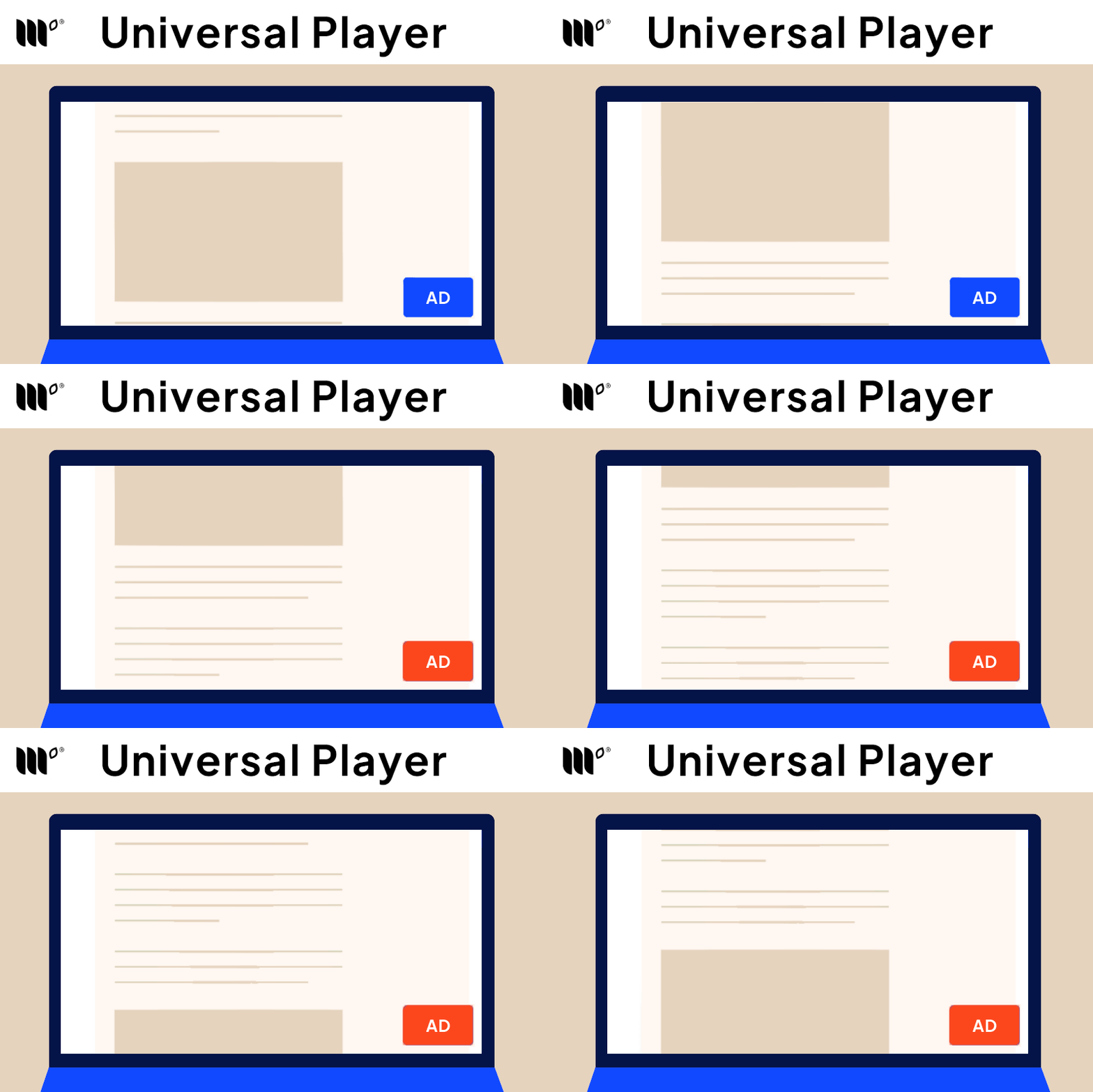
The Universal Player is Mediavine’s own video player. It brings video ads to every page on your site, even pages without any video content. The player docks to the corner of the screen and stays visible as readers scroll.
Universal Player Plus
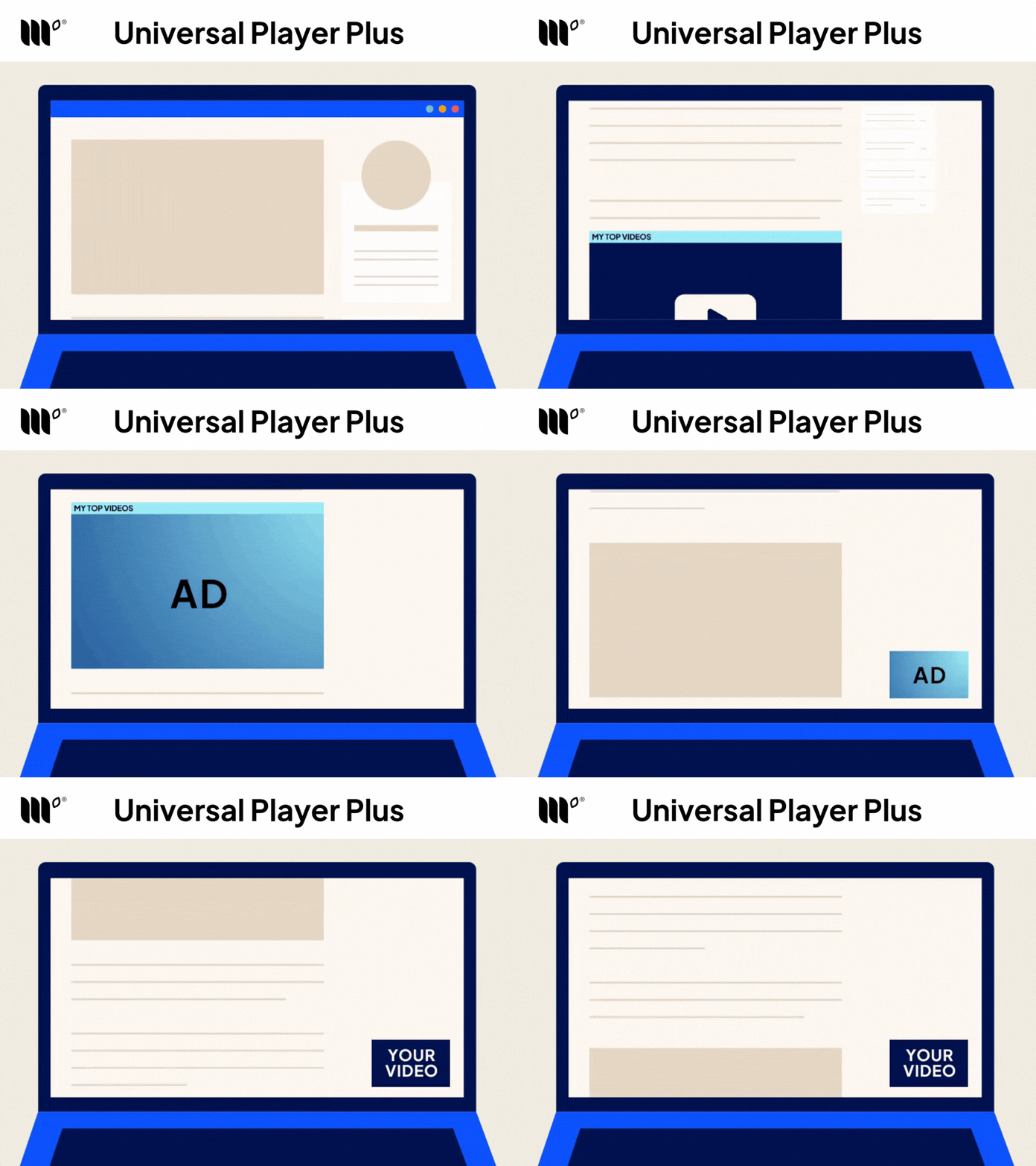
A complimentary player to Universal Player, Universal Player Plus puts real video content into the player (either your own or auto-generated).
That makes your inventory eligible for advertisers who only buy video adjacent to content, a better-funded pool than the ads that run without it, which is why Universal Player Plus typically earns higher CPMs.
It starts within your content and transitions to the same sticky position as Universal Player when a user scrolls past.
And you don’t need to make the video yourself! Mediavine’s Video Maker can generate it from your own content. Universal Player Plus is on by default, and you can turn it off any time from your dashboard.

Video Pre-Roll
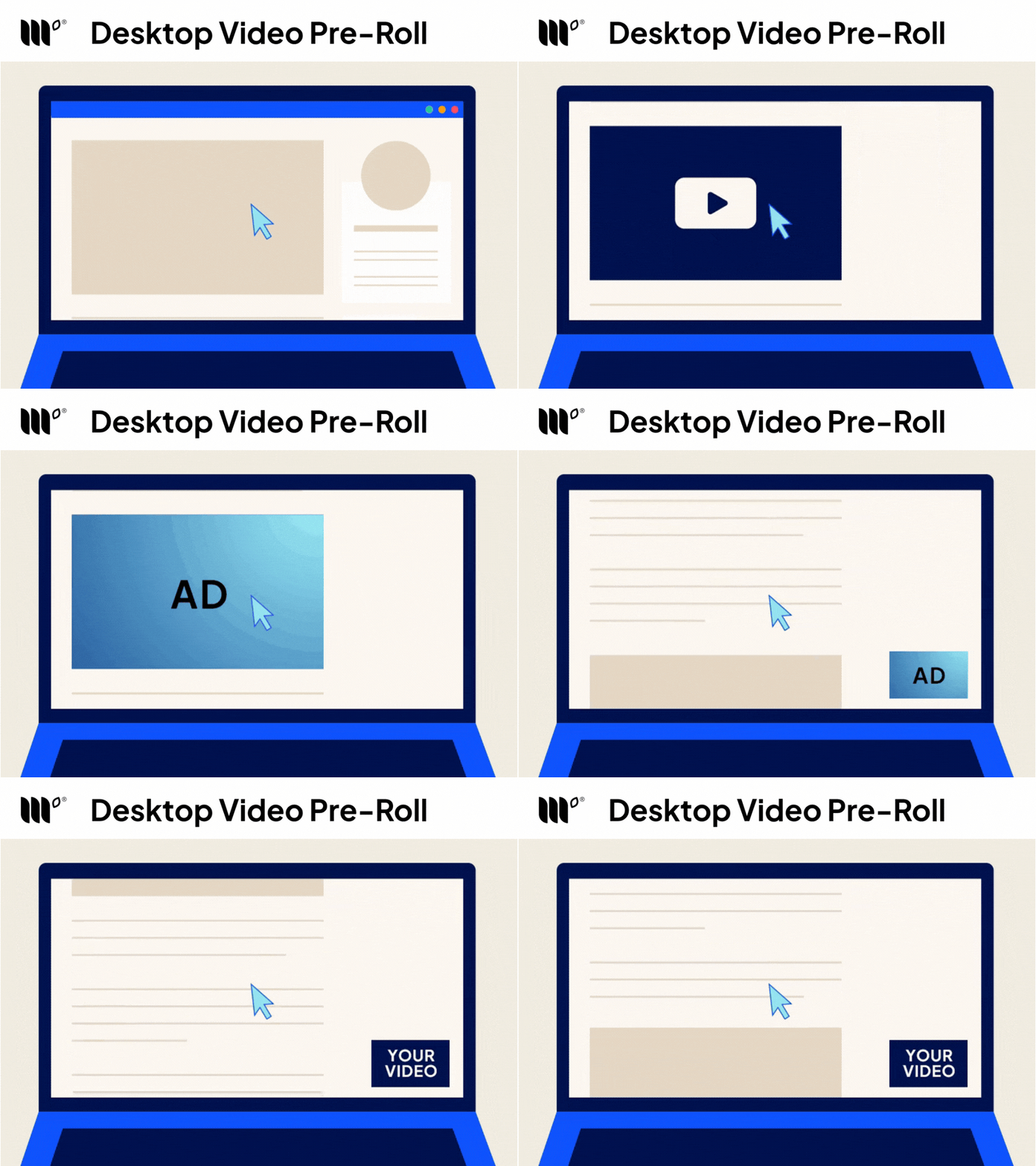
A short ad that plays before your video starts, on both desktop and mobile. Pre-roll only runs on click-to-play videos you’ve embedded with Mediavine’s video embed code, not in the Universal Player or Universal Player Plus. Readers choose when to press play and stay in control of the player the whole time.
Mid-Roll
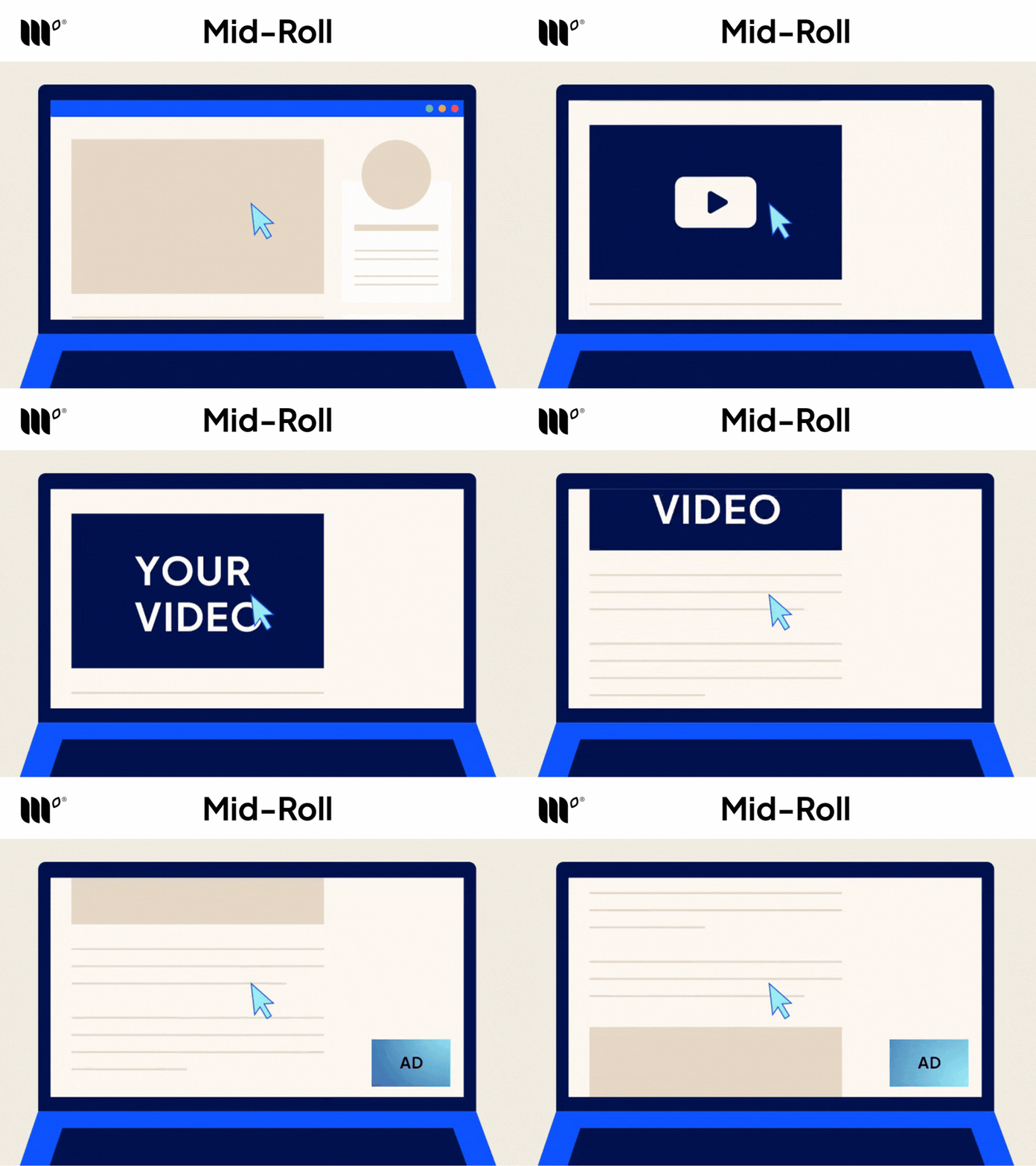
An ad that plays partway through a video. Mid-roll only runs on click-to-play videos longer than eight minutes that you’ve embedded with Mediavine’s video embed code, not in the Universal Player or Universal Player Plus. You’re opted in by default. To opt out, go to Video Settings in your Mediavine Dashboard.
Video In-Content
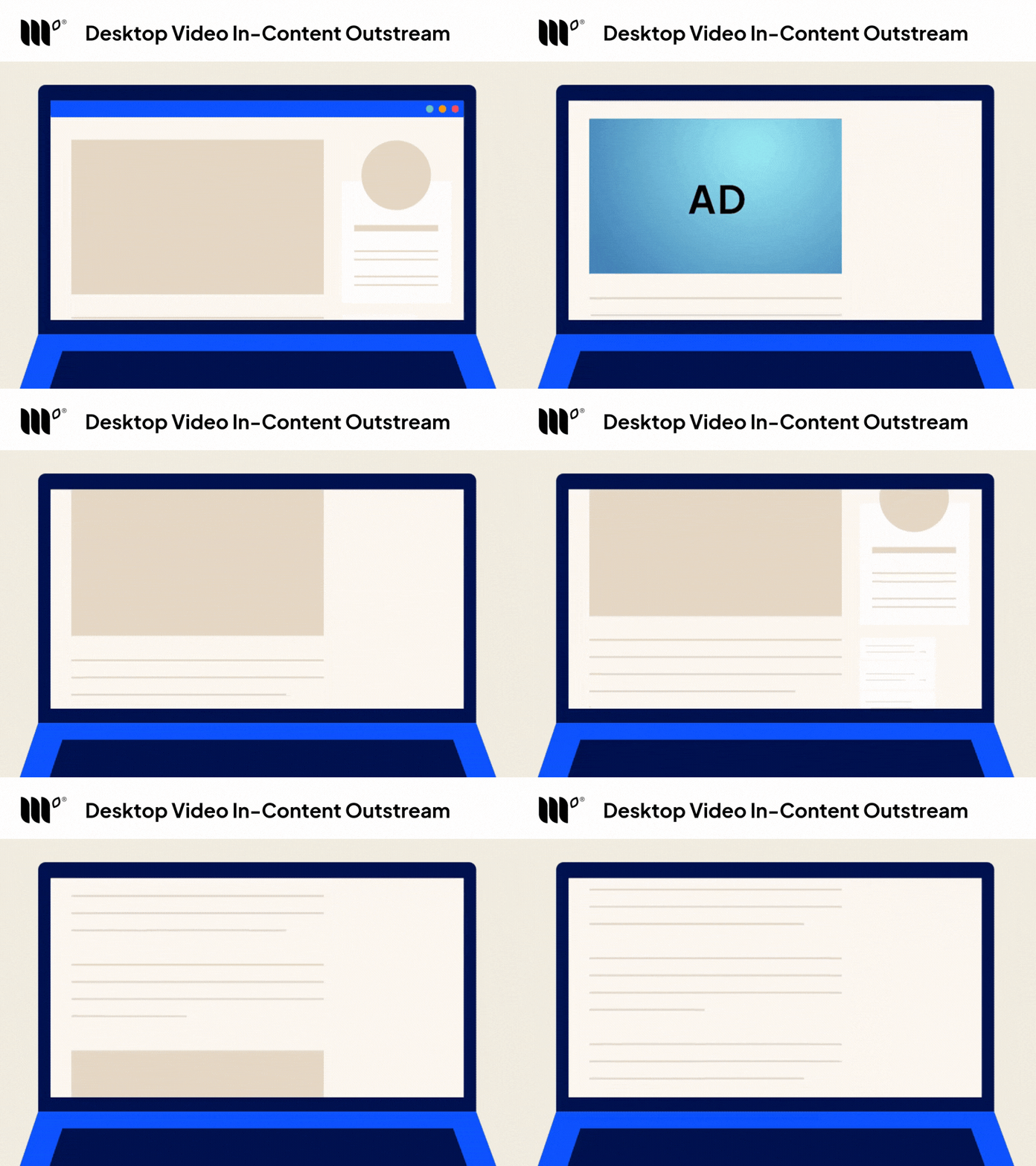
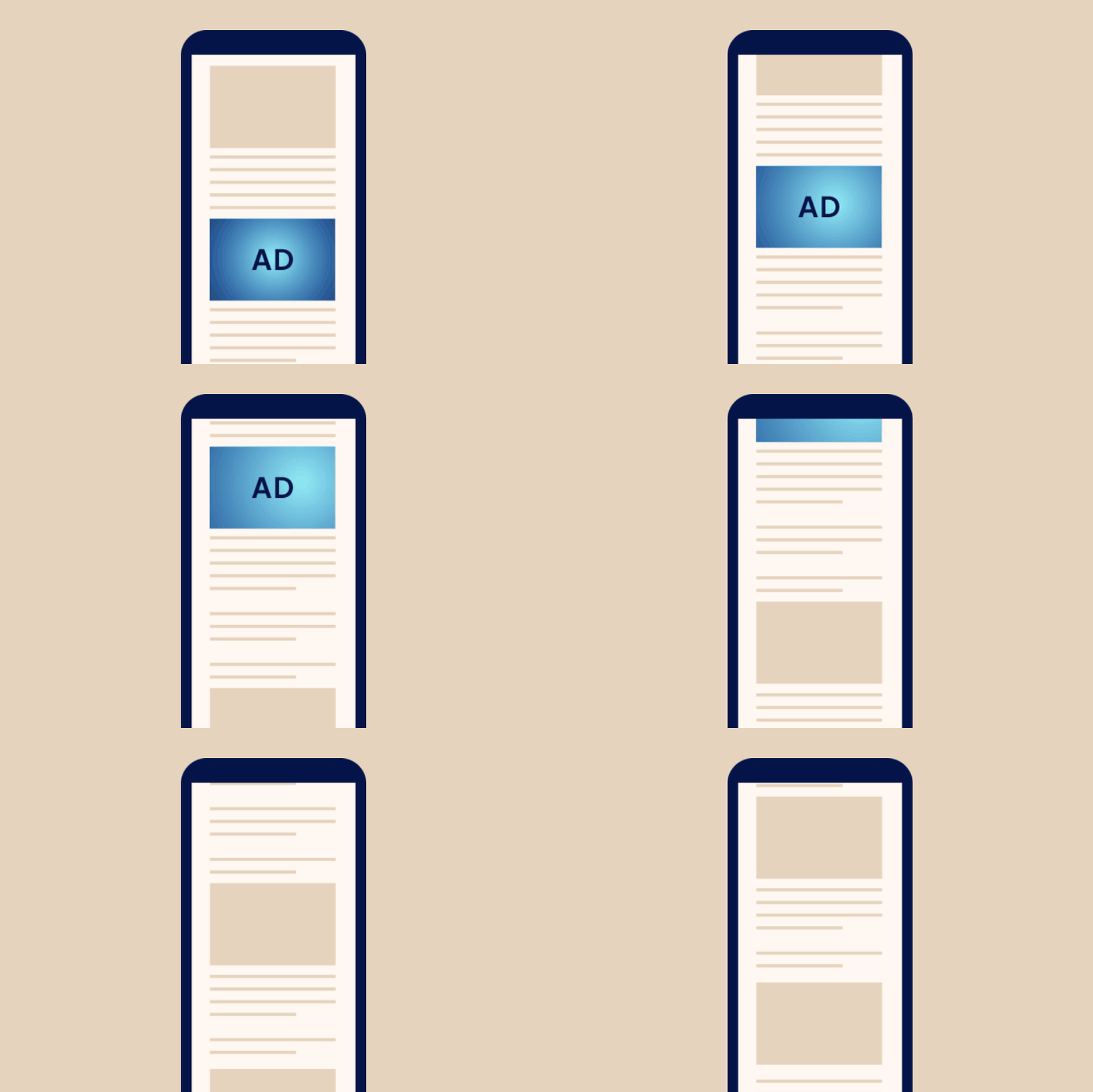
A video ad that appears within your written content, sitting on the page much like an embedded video would.
Display Ads
Display ads are the more traditional, image-based ads you’re probably already picturing: banners, boxes, and sidebar ads made up of a static or lightly animated image that links to an advertiser’s site when clicked. They can appear within your content, in your sidebar, or along the bottom of the screen.
Display Adhesion Units
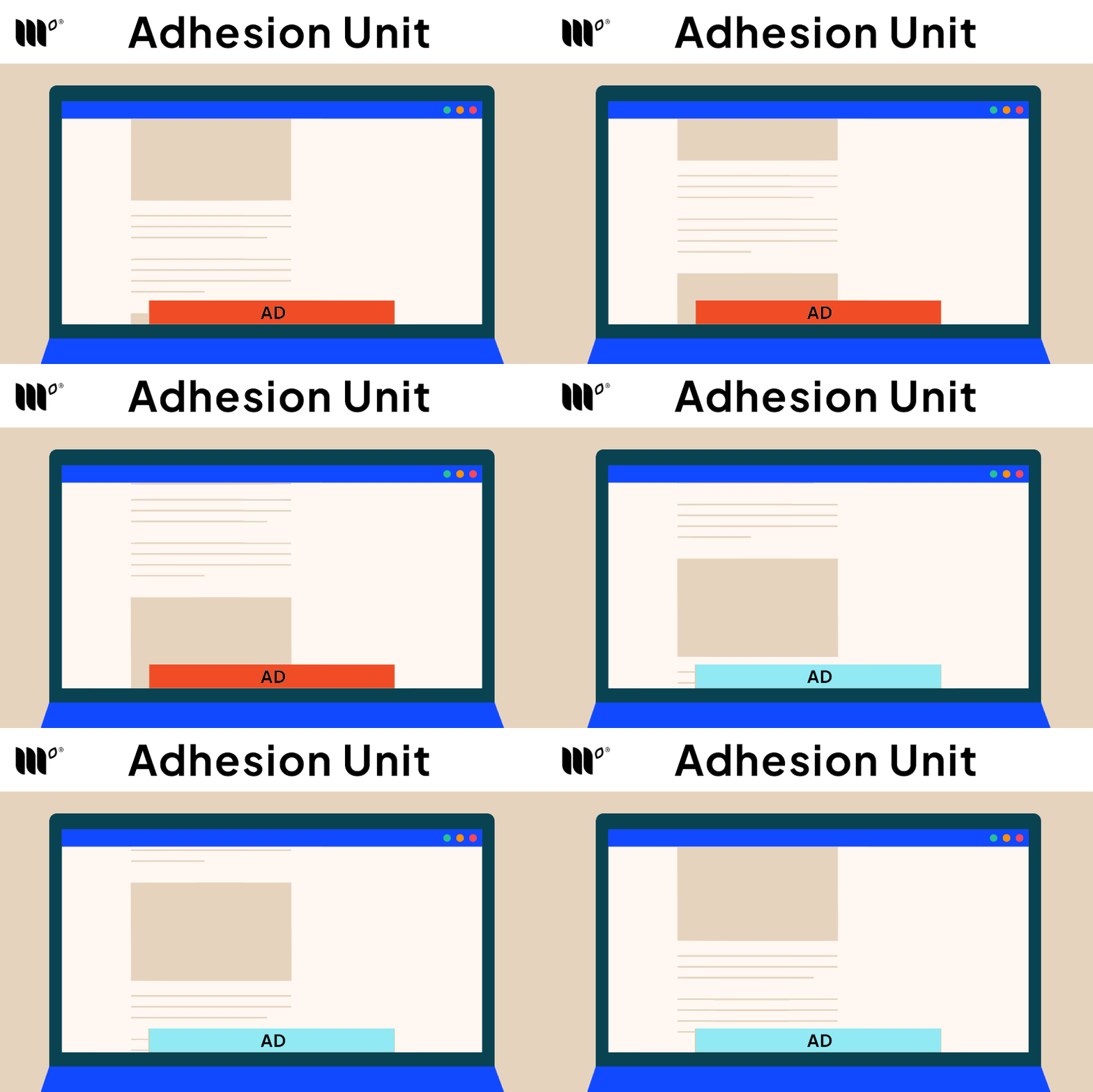
A banner that stays along the bottom of the screen as readers scroll.
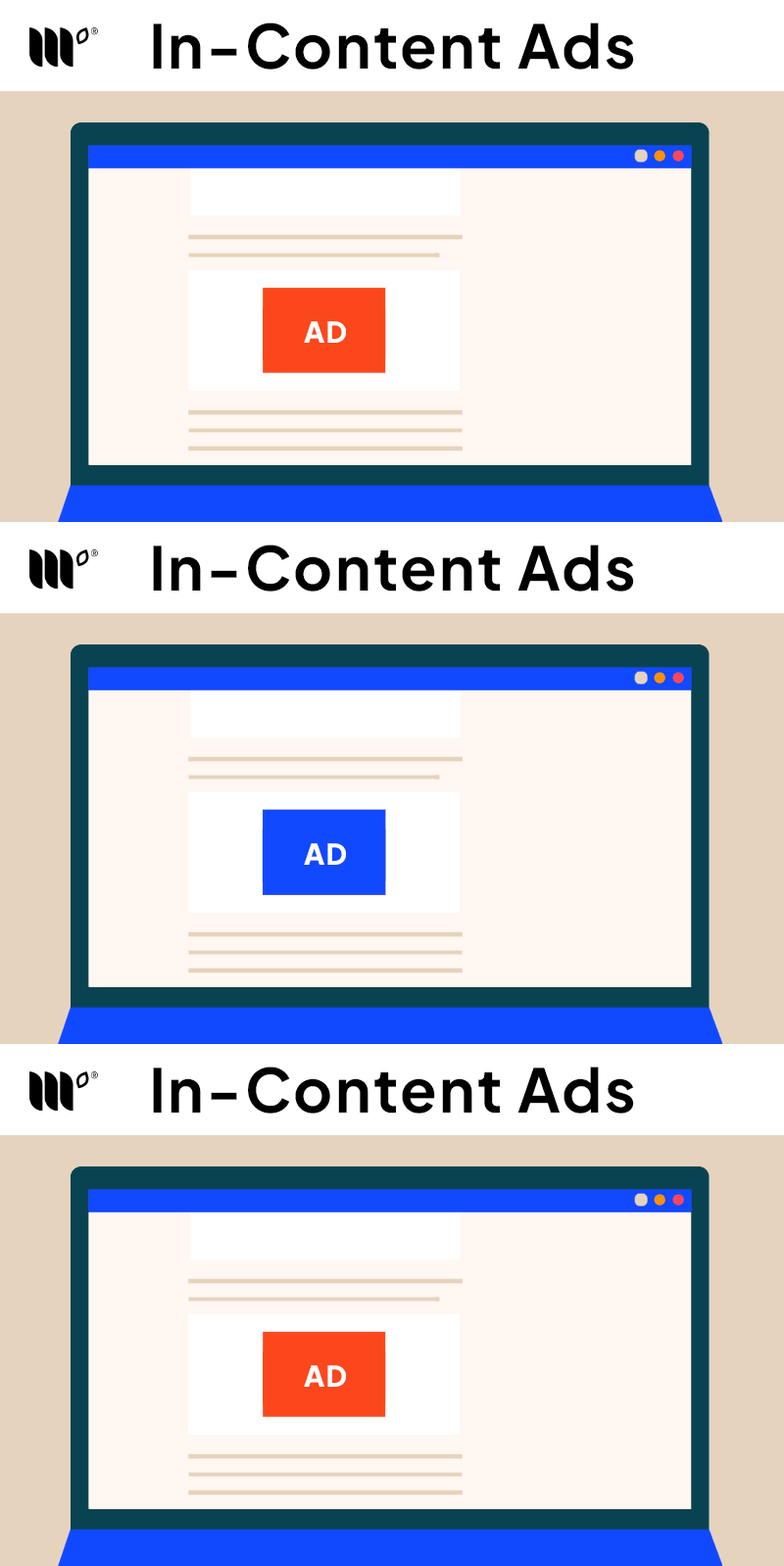
In-Content
Standard display ads placed within your content, typically between paragraphs, sections, or images.
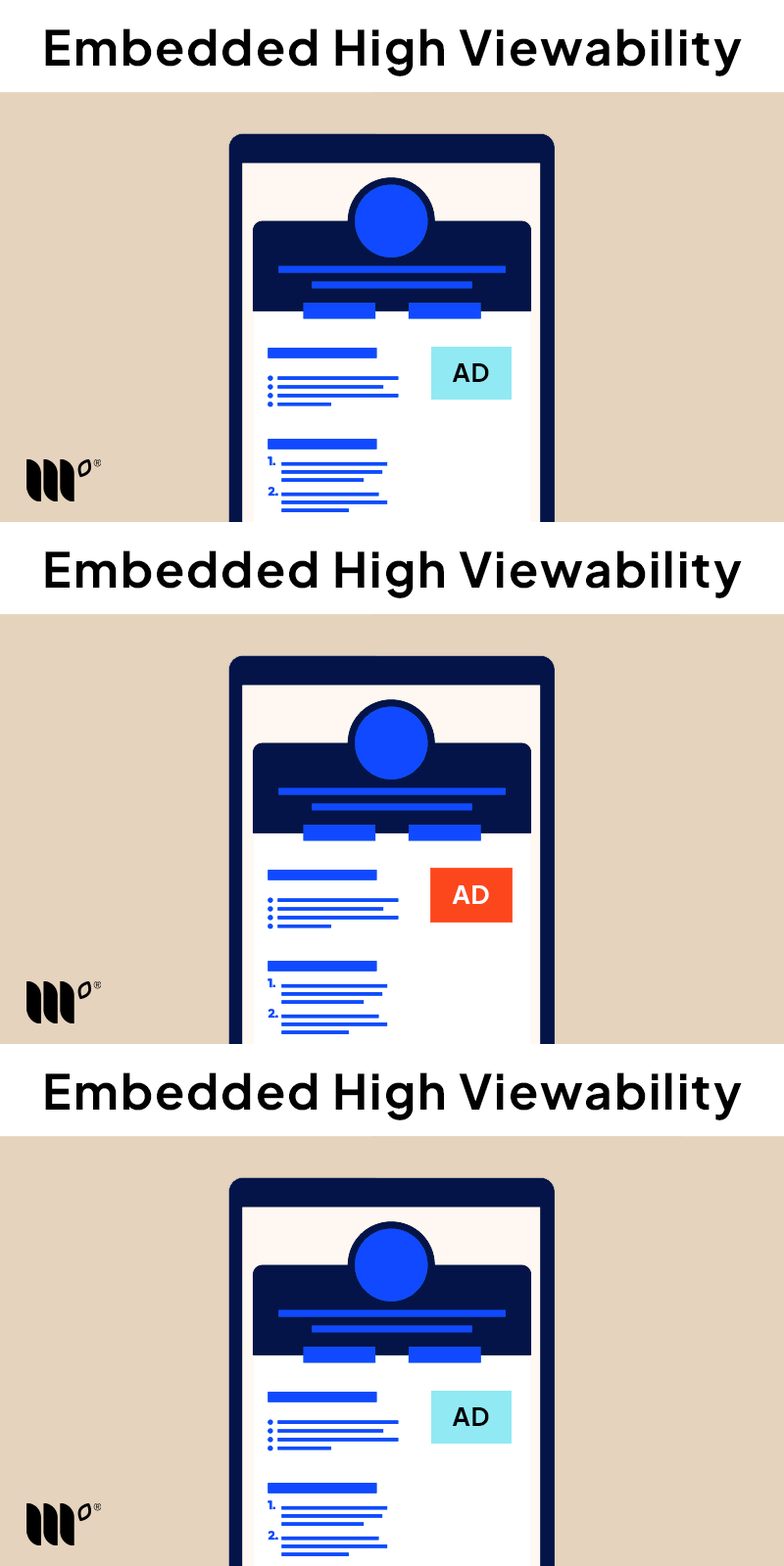
Recipe Ad
A 300×250 ad placed in a high-attention area of the page. On food sites, that’s inside the recipe card, where you can manage it with the Default Recipe Ads and Recipe Instruction Density settings in your dashboard. Other sites can use the Recipe Ad alongside checklists, tutorials, or other content readers spend real time with.
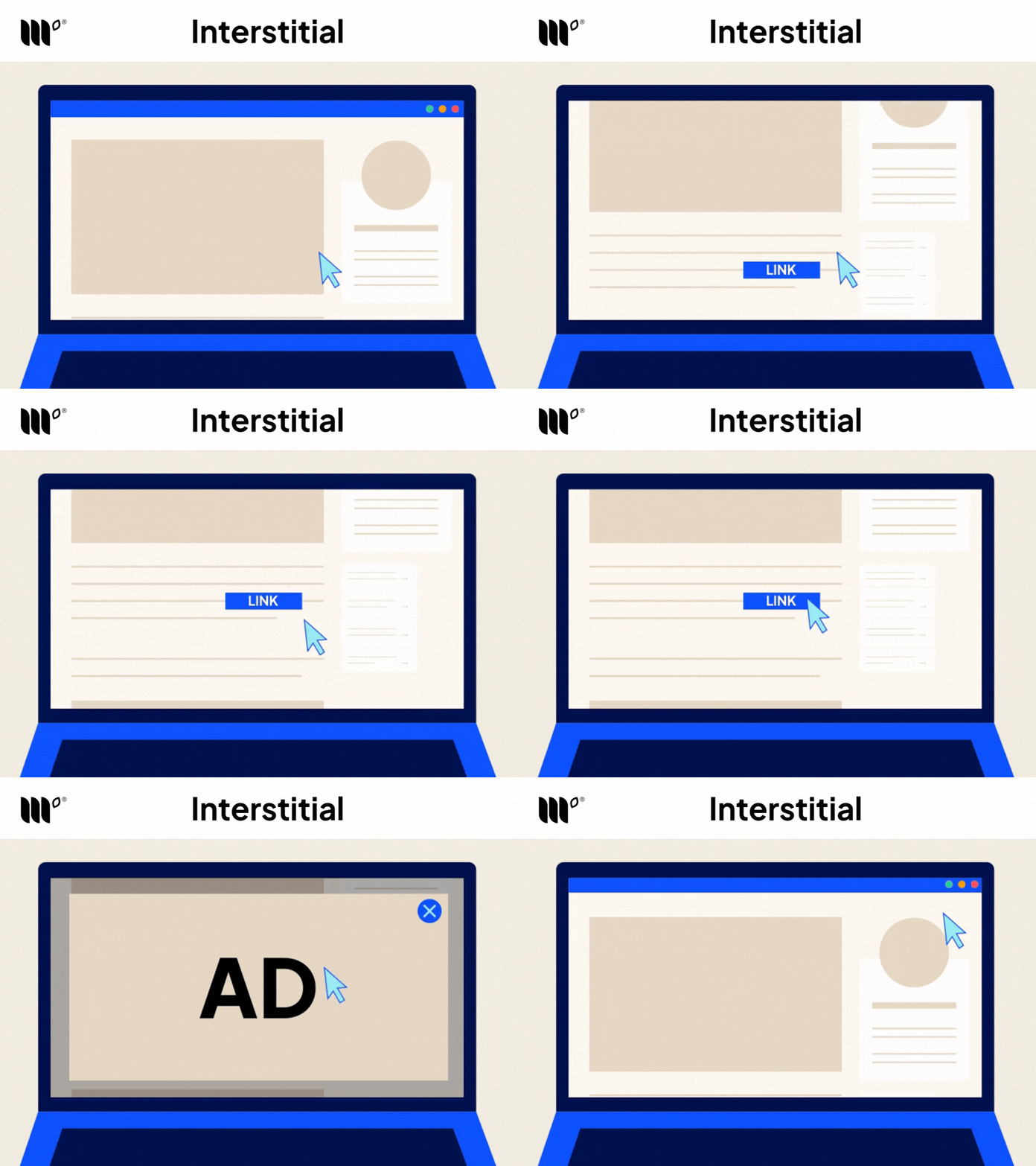
Interstitials
A full-screen ad that can appear as a reader clicks a link and moves from one page on your site to another, so it never interrupts the content they’re actively reading. Interstitials come in separate mobile and desktop versions, both controllable from your dashboard.
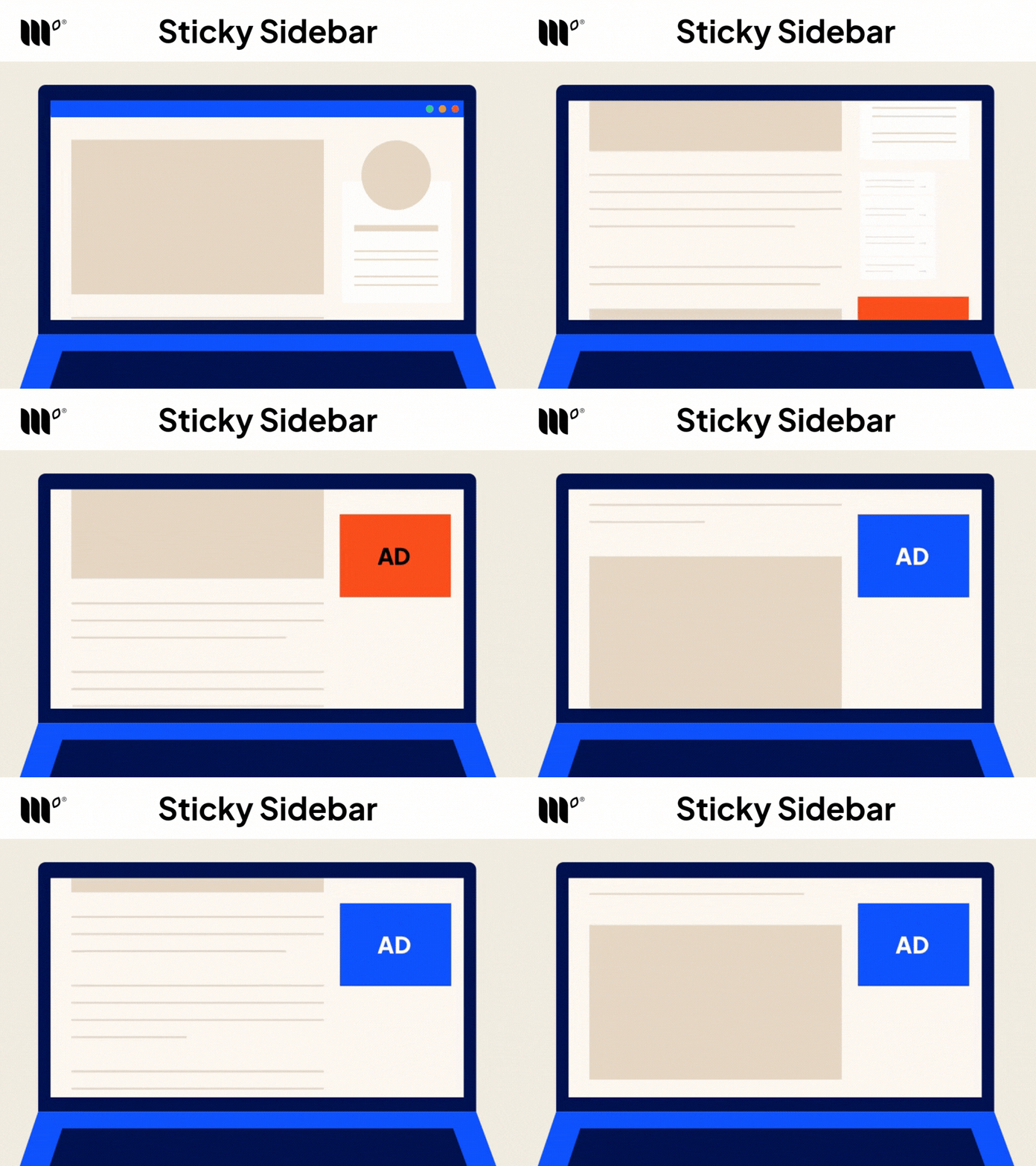
Desktop Sticky Sidebar
A sidebar ad that stays visible as readers scroll through your content on desktop.
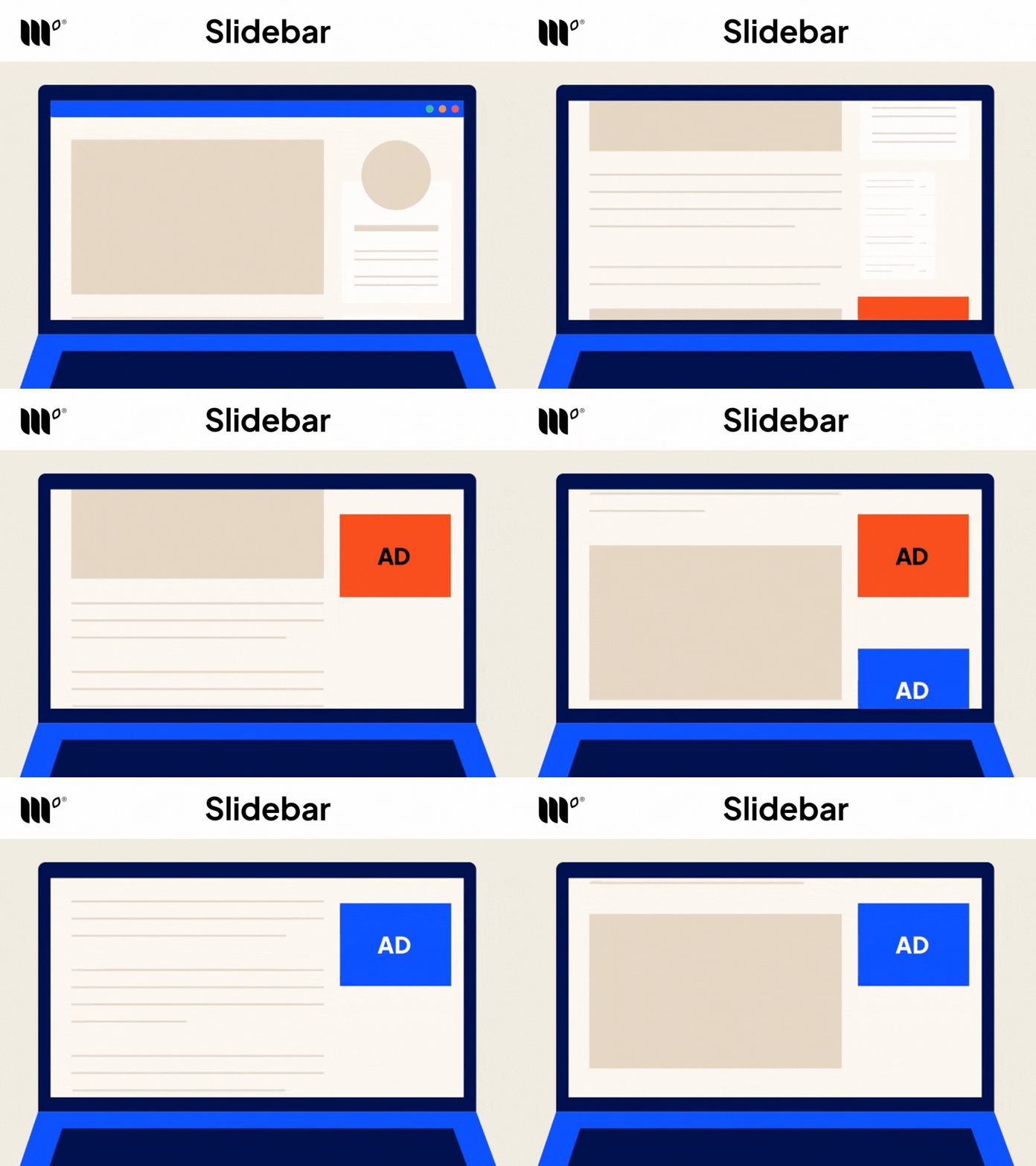
Slidebar
Slidebar adds more sticky sidebar ads on longer posts, so instead of one ad following the reader down the page, a new one appears as they scroll. It can increase sticky sidebar impressions and desktop revenue, especially on sites with long posts and a good share of desktop traffic.
High-Impact Ads
Not every ad has to look like a traditional banner. High-impact units give advertisers more engaging ways to capture attention, and they give you a way to earn more from placements you already have.
These are rich-media display formats that are larger and more visually dynamic than a standard display ad, while still designed to complement your content rather than compete with it.
For you, that means access to premium advertiser demand and more ways to earn from your existing traffic. When high-impact ads are enabled, they compete in the same auction as every other ad on your site. They only serve when they win, which means they only show up when they’re the highest bid for that spot.
The value isn’t in adding more ads to the page. It’s about making the placements you have work harder for you.
High-impact formats attract premium advertiser demand because they offer more creative flexibility and visibility than standard display ads. That gives Mediavine more ways to compete for advertiser dollars, and gives you another source of incremental revenue.
The result is a broader mix of demand competing for each ad spot, helping your existing traffic earn more without requiring you to create more content or find more readers.
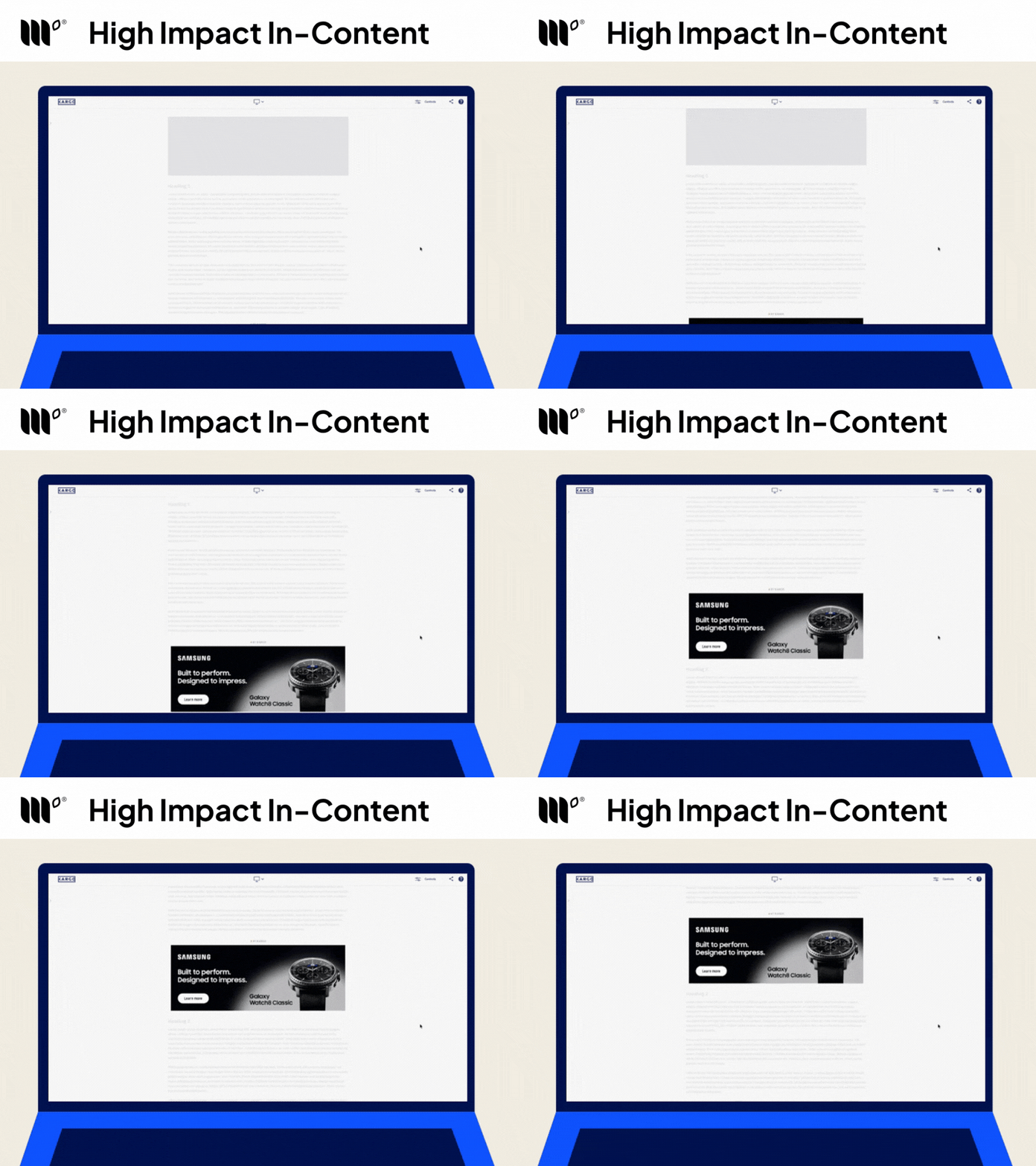
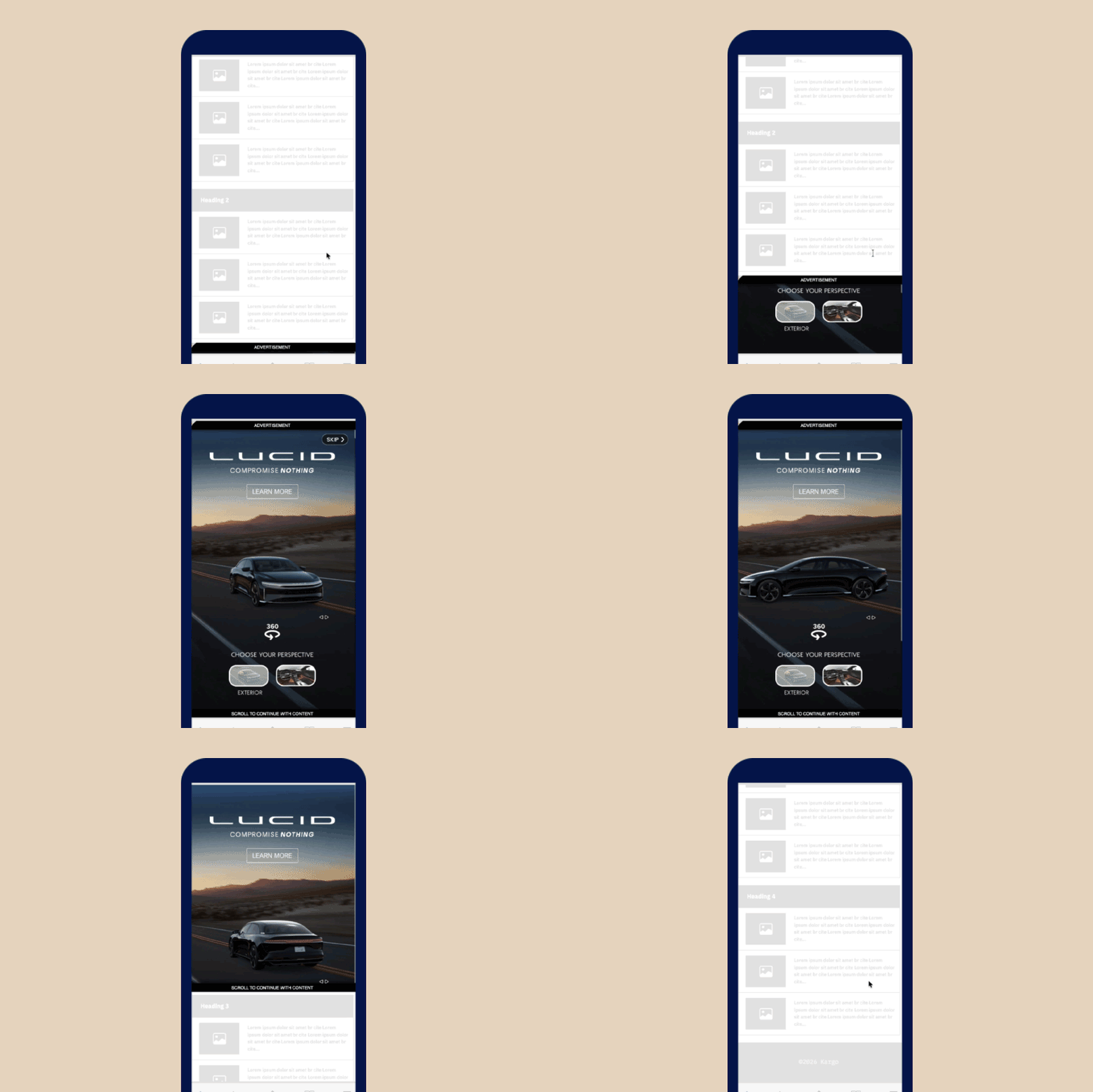
High-Impact In-Content
Rich-media units that appear within your content, giving advertisers a more prominent spot where readers are already engaged.
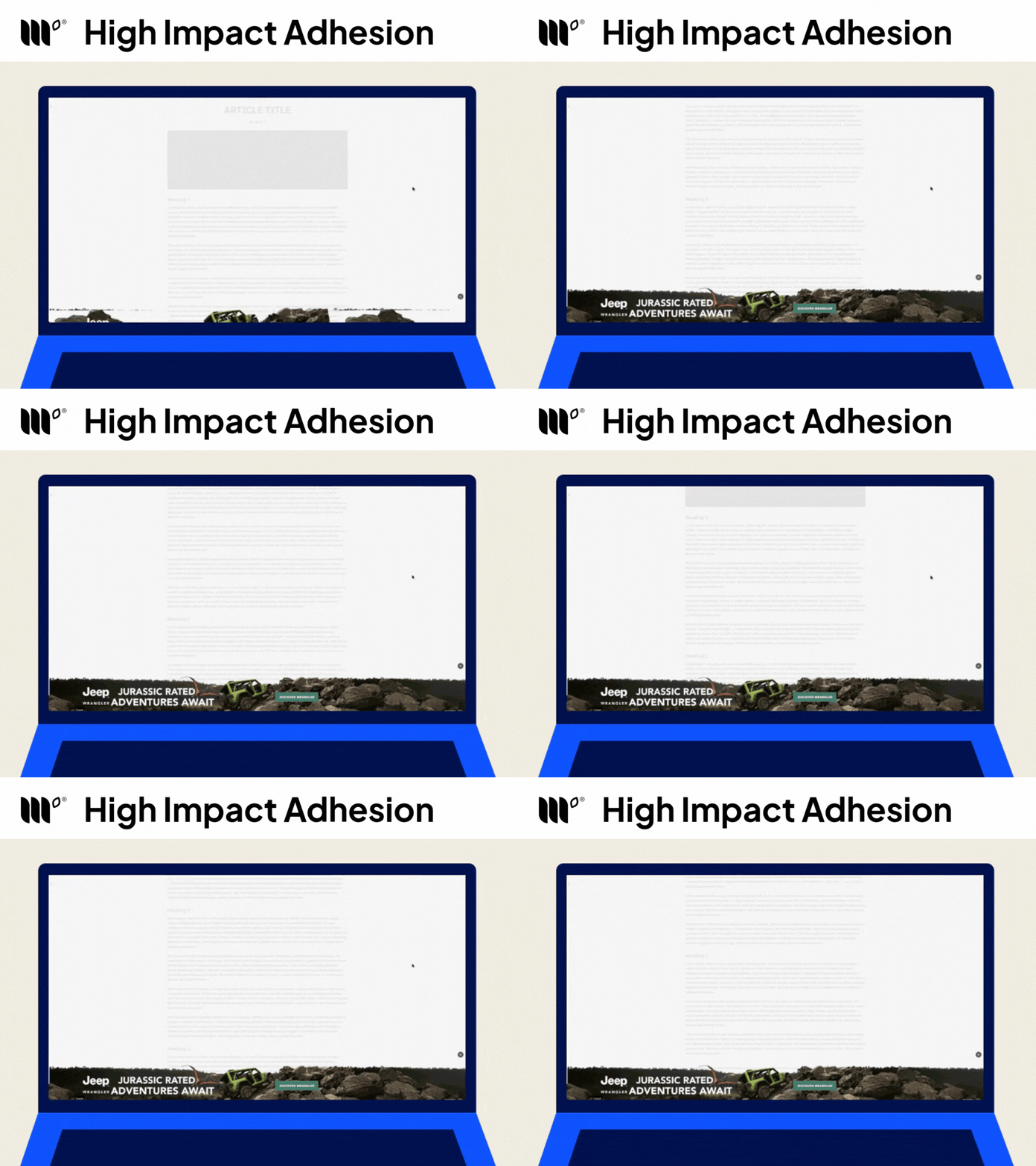
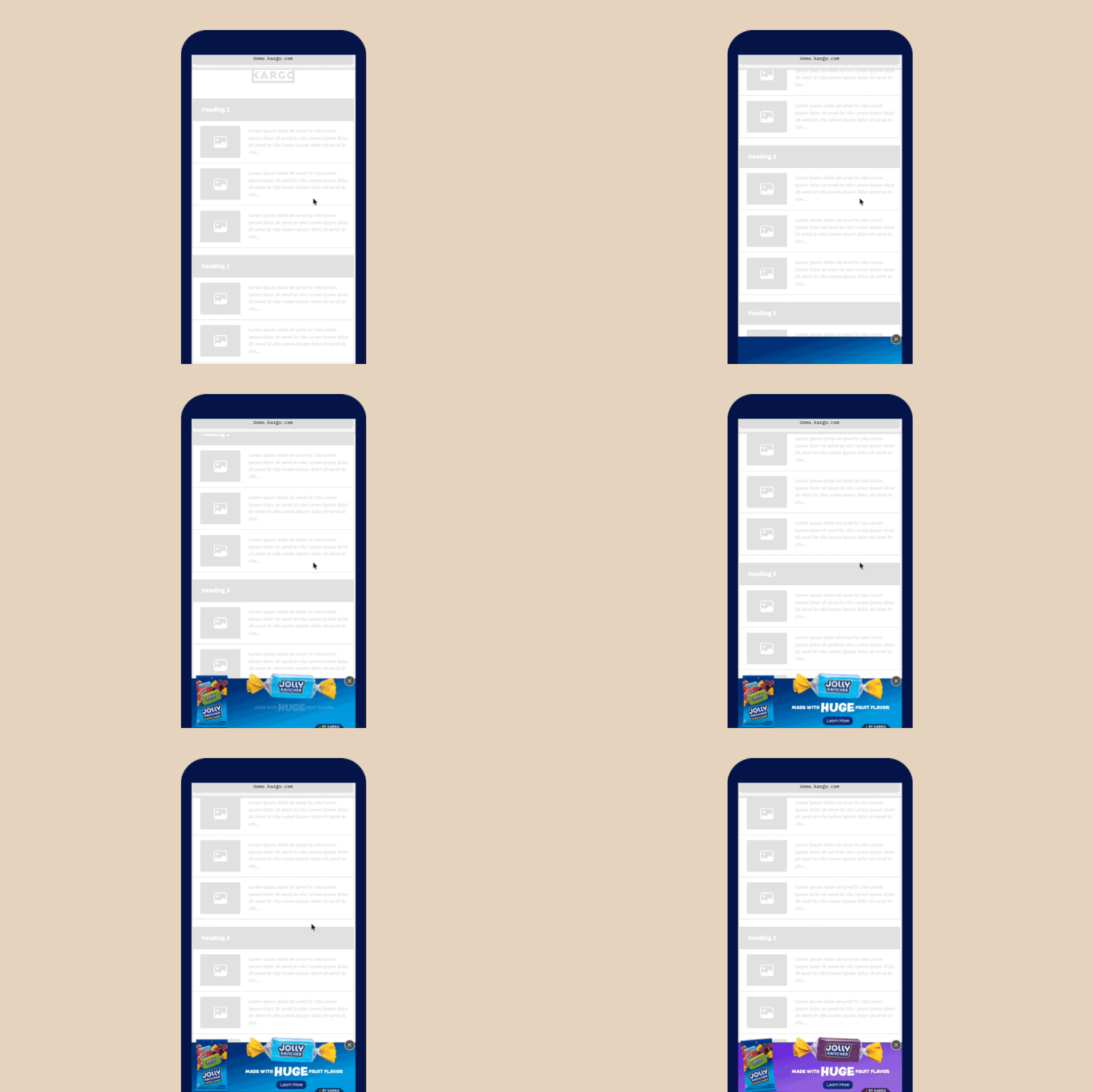
High-Impact Adhesion
High-impact adhesion units stay visible as readers scroll. Advertisers pay a premium for that kind of exposure, which gives you another way to earn more from the same traffic.
Your Traffic, Working Harder
You don’t need to decide which format runs in every placement. Mediavine’s technology handles that for you, continuously adjusting based on the demand available.
That means your site can tap into display, video, high-impact, and other forms of advertiser demand, with the system choosing the best-earning option for each ad spot.
The goal is to make your existing traffic work harder, giving advertisers more valuable placements while preserving a great experience for the people who come to read, cook, learn, or browse.
Your readers get great content, your site gets access to a broader range of advertiser demand, and Mediavine’s technology handles everything in between.
About the author

Share this page

The Mediavine Difference
You build content that defines industries.
We build the monetization that powers it.